Webflow Cookie Consent Plugins Explained
Webflow doesn't give you a built-in way to manage cookie consent. If your site runs analytics tools like Google Analytics or Facebook Pixel, you're collecting personal data from visitors. That makes you liable to comply with privacy laws like GDPR, CCPA, and Quebec's Law 25.
A cookie consent plugin keeps you compliant by intercepting tracking scripts before they fire, presenting visitors with a clear consent banner, recording their choice, and unblocking the scripts they've agreed to. Without one, your business could be exposed to regulatory scrutiny or fines.
Privacy laws aren't one-size-fits-all. Depending on where your visitors are located, different rules apply. Here's what Webflow site owners need to know:
GDPR (EU & UK)
The General Data Protection Regulation is the strictest cookie consent framework in the world. Under GDPR, you cannot place non-essential cookies (analytics, advertising, personalization) until a visitor actively opts in. Businesses need a clear, affirmative action, and to store proof that it happened.
CCPA / CPRA (California)
California's privacy law gives users the right to opt out of the sale or sharing of their personal data. In practice, this means your Webflow site needs a visible "Do Not Sell or Share My Personal Information" option and a mechanism to honor those requests.
Quebec's Law 25
Law 25 requires businesses to obtain explicit, informed consent before collecting personal information and to make it just as easy to withdraw that consent as it was to give it. For Webflow sites with Canadian visitors, this means having a functional consent preference center, not just a banner.
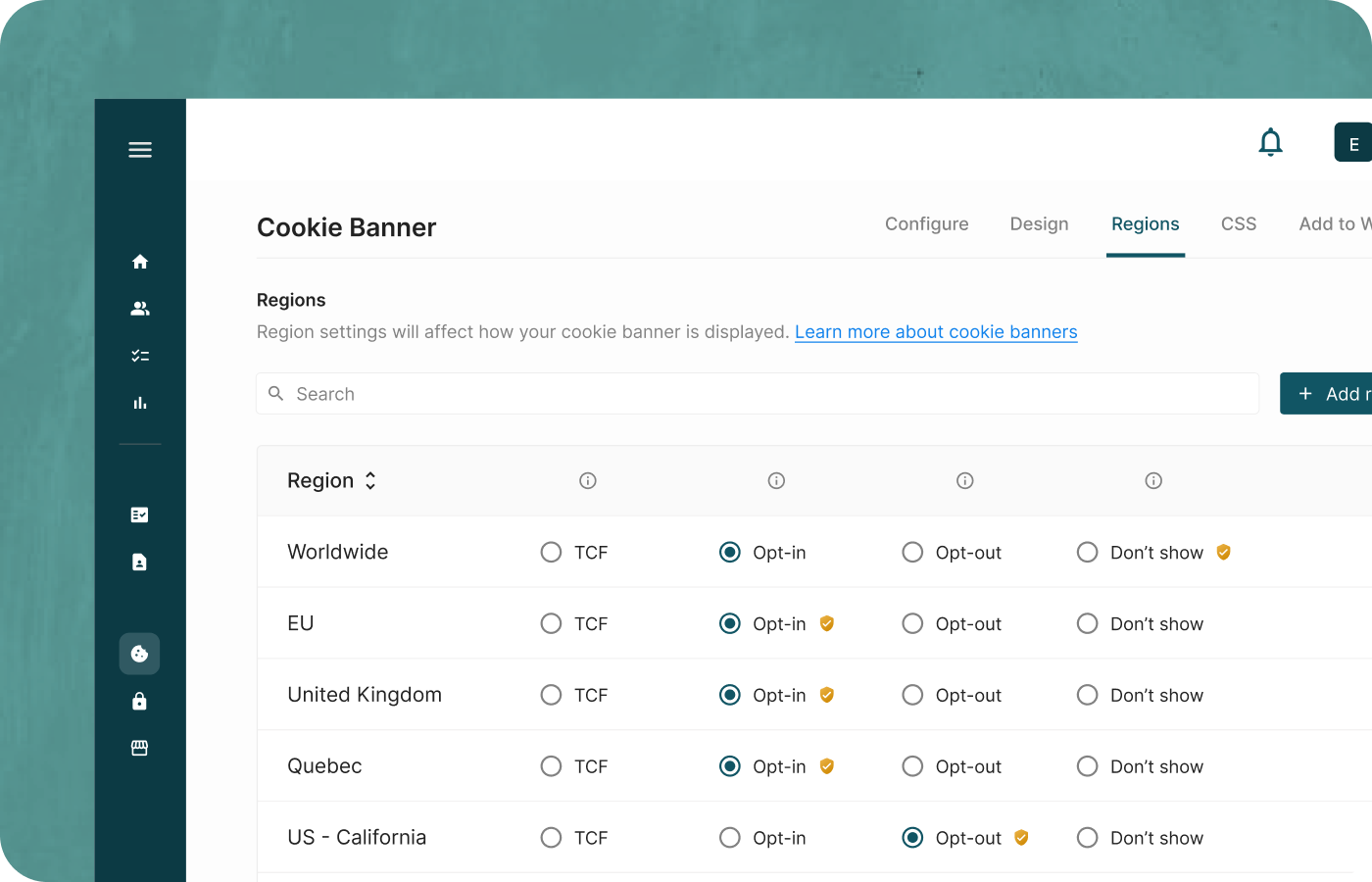
Enzuzo handles all frameworks from a single dashboard. It detects the visitor's location and automatically surfaces the appropriate consent experience.
How Enzuzo Works on Webflow
Getting set up is straightforward, even if you've never touched a line of code.
Step 1: Install from the Webflow App Marketplace Enzuzo is available as a native app directly in Webflow's marketplace. This means faster load times and better security compared to tools that require manual script placement.
Step 2: Scan Your Site for Cookies Once installed, Enzuzo's built-in scanner automatically detects the tracking cookies and third-party scripts running on your site. Every cookie is categorized (essential, functional, analytics, marketing) so visitors can make informed choices.
Step 3: Customize Your Consent Banner Enzuzo gives you full control over colors, fonts, layout, and copy so the consent experience matches your brand.
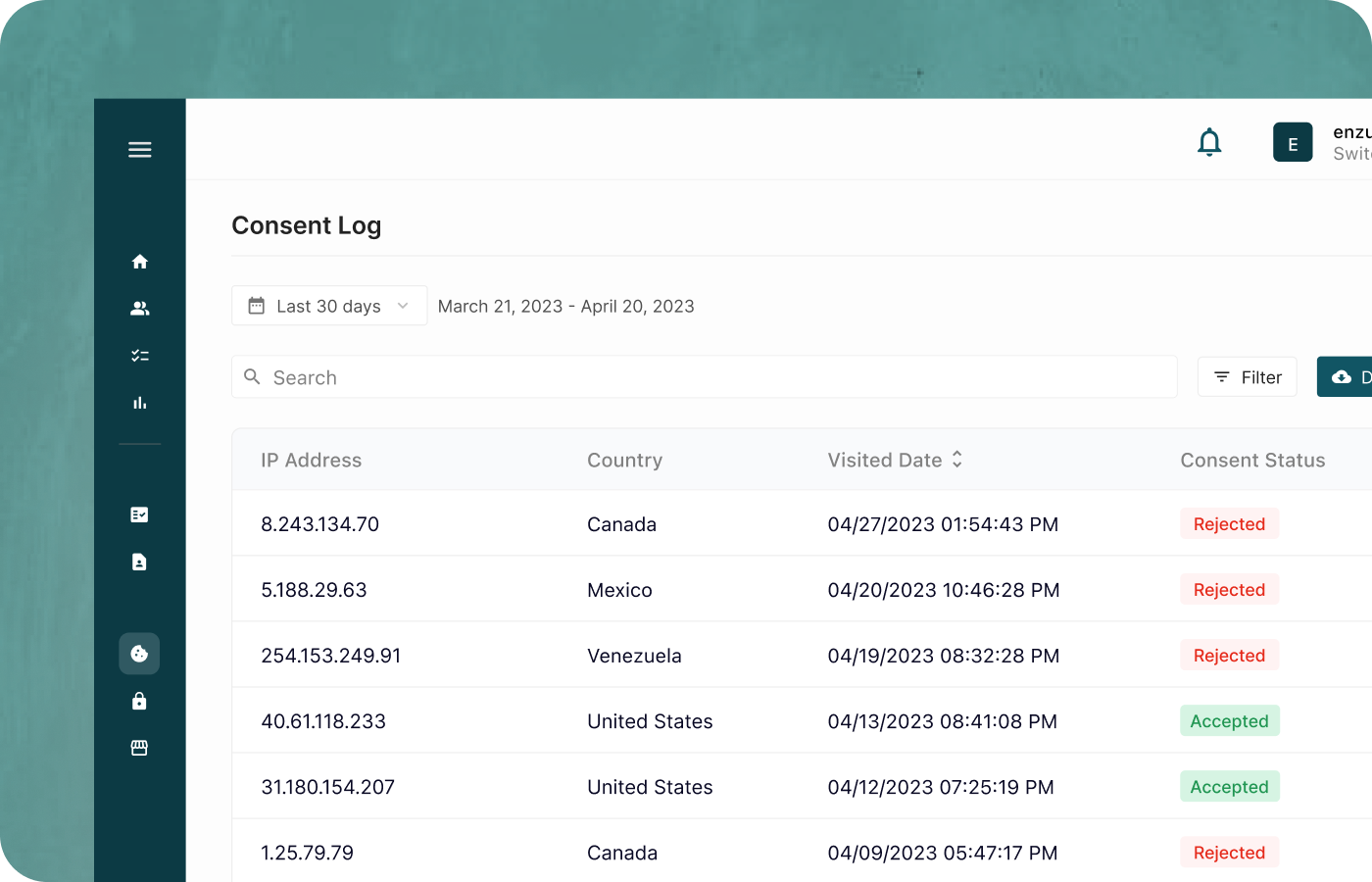
Step 4: Go Live and Stay Compliant Publish your site and Enzuzo takes over. Non-essential scripts are blocked until a visitor gives consent. Preferences are stored securely, and every consent decision is logged with a timestamp, giving you an audit-ready record in case you ever need to demonstrate compliance.




.svg)

.gif)











 David Bernier, Founder & President, Uroboro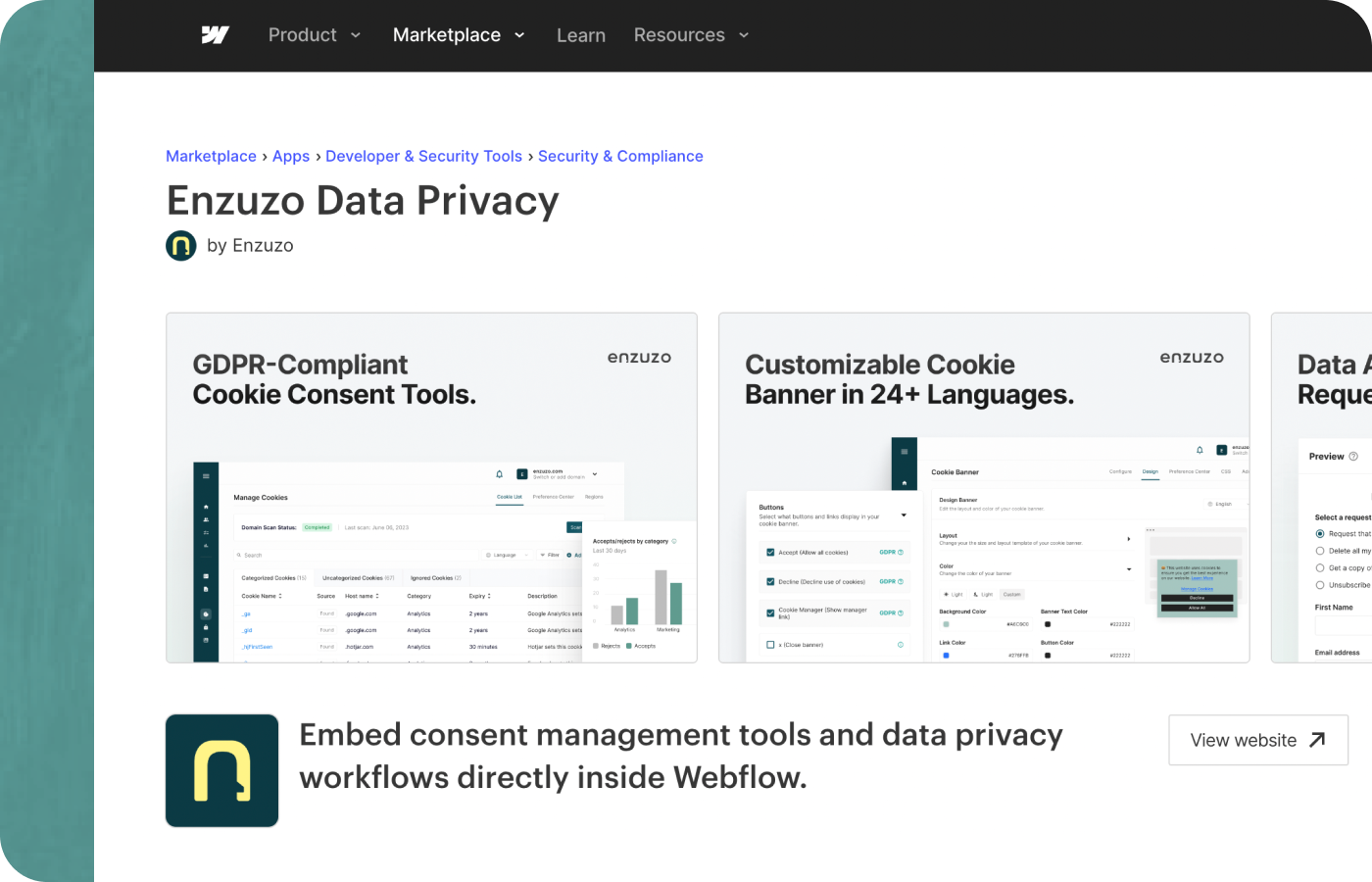
.png)